
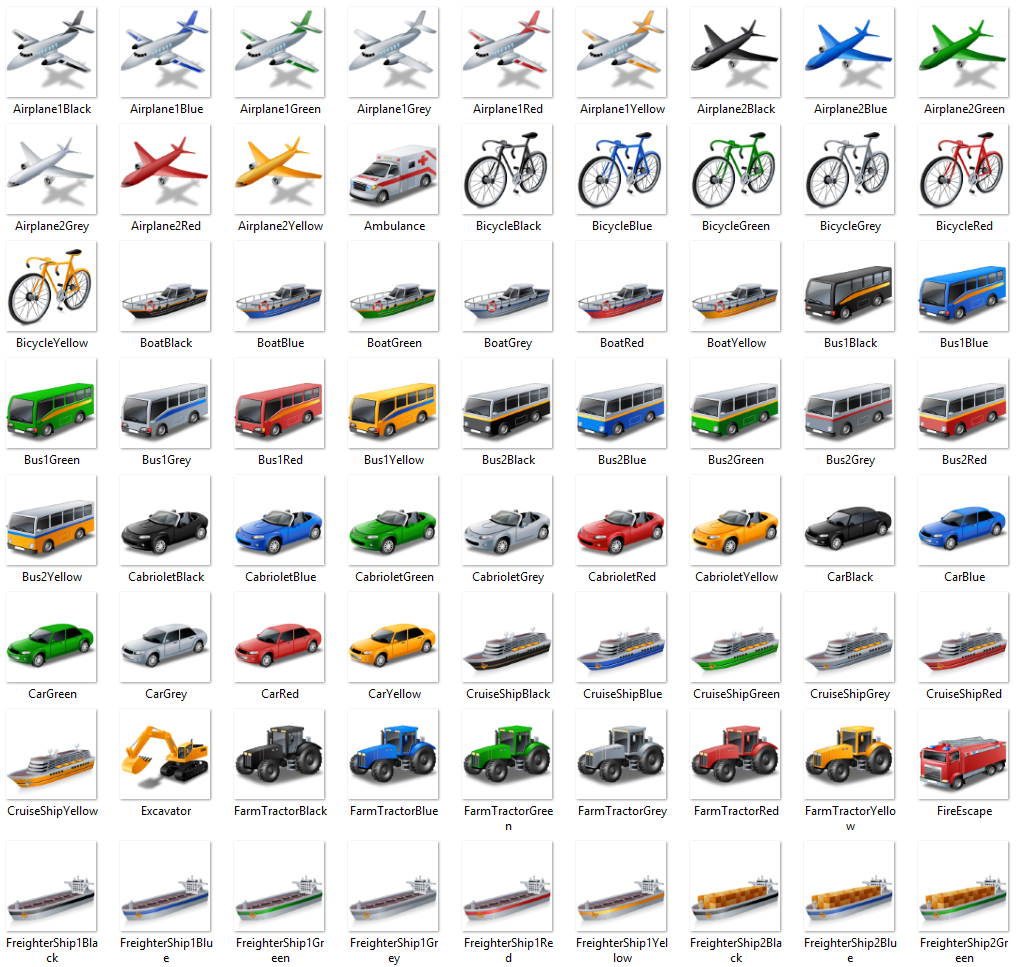
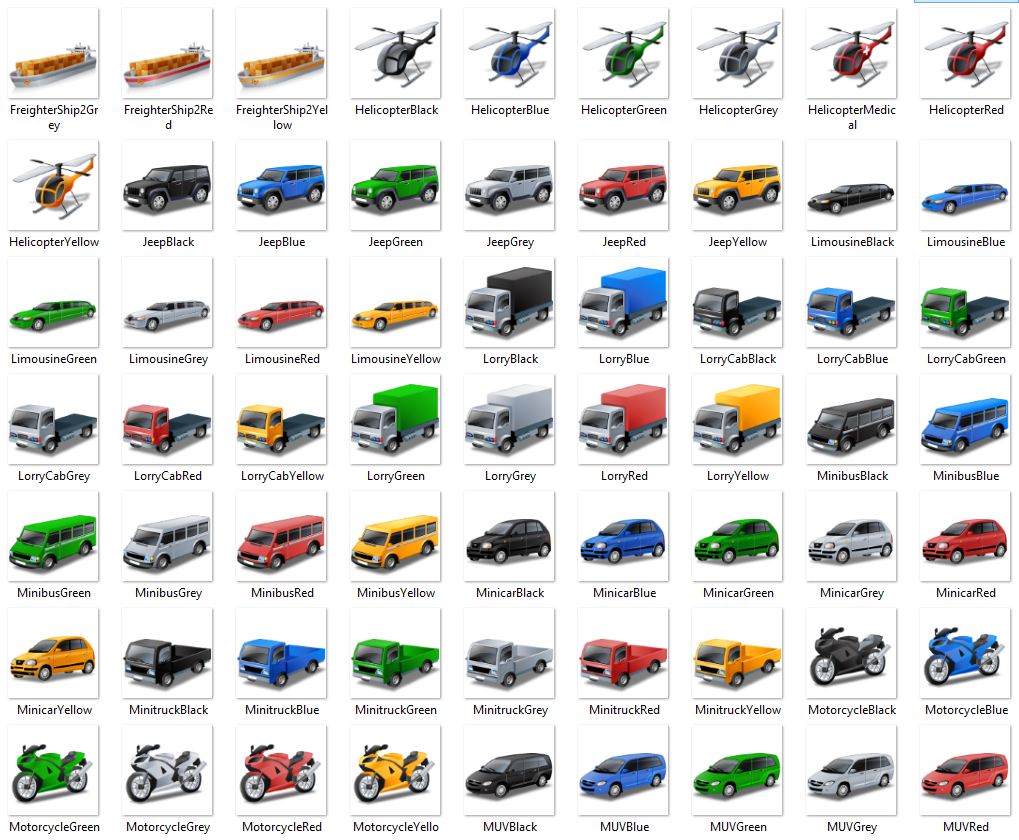
You can assign your vehicles custom Icon's on the live tracking screen to enable easier identification of each asset. The default icon is 'Yellow pushpin'
To change this icon simply navigate to 'My Account' and click edit next to the vehicle you wish to change the icon on.
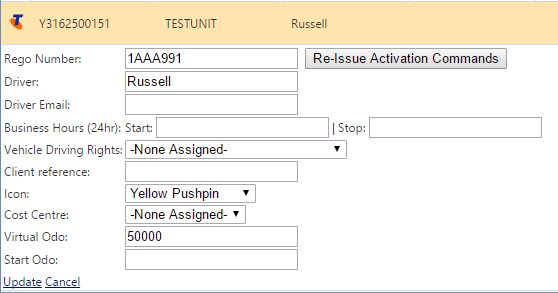
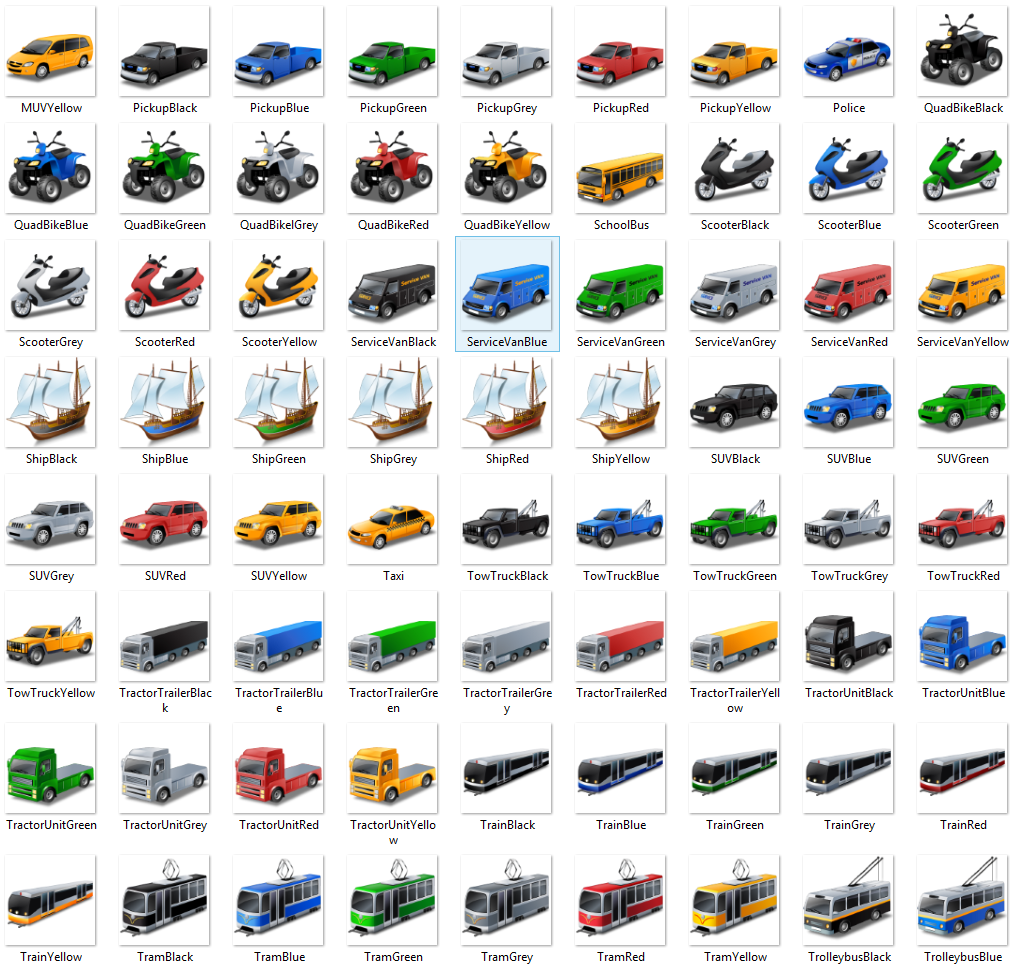
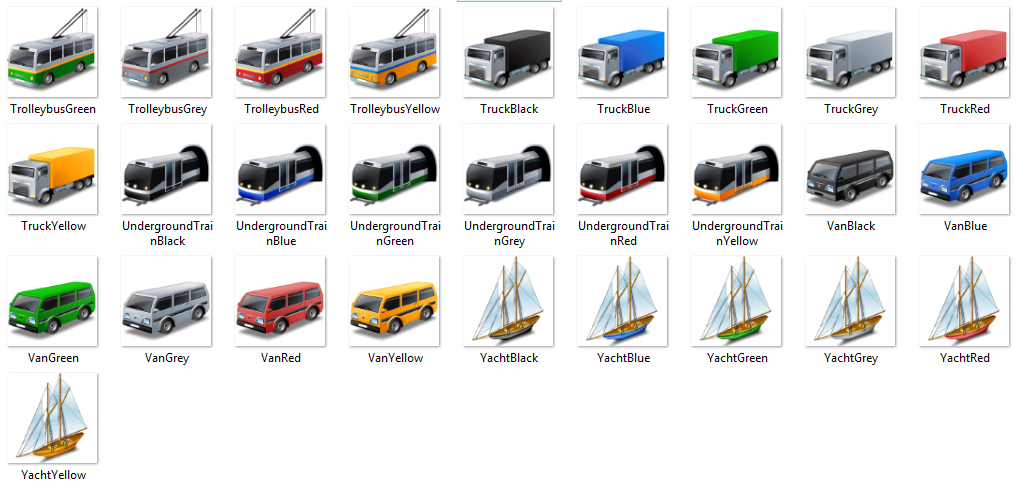
In this form there is a 'Icon' drop down list containing a selection of available icons for the live tracking screen
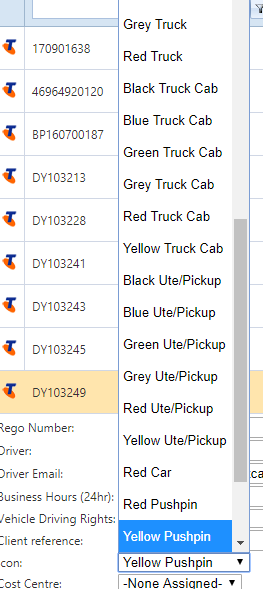
Simply choose your desired icon, then select 'Update' at the bottom of the form.
Available Icons
Comments
0 comments
Please sign in to leave a comment.